
 Flat 4


How to Make a Business Plan Presentation: Guide, Examples & Free Template
Quick Answer
A business plan presentation is a concise, visual slide deck — usually 10 to 12 slides — that communicates a company’s business model, market analysis, competitive position, marketing strategy, team, and financial projections to investors, partners, or internal stakeholders. Its goal is to demonstrate viability and secure funding or buy-in. It doesn’t replace the full written business plan; it makes the plan’s key points persuasive and easy to act on.
Introduction
Every founder eventually faces the same moment: explaining a business idea to someone who controls the money. A focused slide deck is how that moment goes well instead of badly. Instead of handing over a dense written document, you distil your company profile, market analysis, financials, and ask into slides a busy investor can absorb in minutes. This guide walks through what the deck covers, the slides it needs, real examples worth studying, a free template you can download, and the mistakes that quietly sink otherwise strong pitches.
What Is a Business Plan Presentation?
A business plan presentation is a slide-based summary of your written business plan, built to persuade an audience rather than to document every detail.
Its purpose is to communicate a company’s strategic goals, operational details, and financial forecasts concisely and visually. It typically covers the business model, target market, competitive analysis, marketing strategy, and financial projections. The aim is to explain the business concept, demonstrate viability to stakeholders, and secure support or funding — often in a ten-to-twenty-minute window.
Business Plan vs. Business Plan Presentation: What’s the Difference?
A business plan is the detailed written document; a business plan presentation is the visual, spoken version you deliver to an audience.
The written plan captures your objectives, structure, finances, and operations in full. The presentation distils that into a narrative built for a room — your objectives, market research, customer profile, financials, and the core of your idea, arranged as a roadmap the audience can follow slide by slide. One is meant to be read; the other is meant to be presented.
Key Elements of a Business Plan Presentation Format
A strong deck covers eight core elements: company profile, market analysis, customer profiles, marketing and sales strategy, organizational structure, products and services, the financial plan, and an executive summary.
Roughly 10 to 12 slides is the right length. Here’s what each element should do.
Company Profile
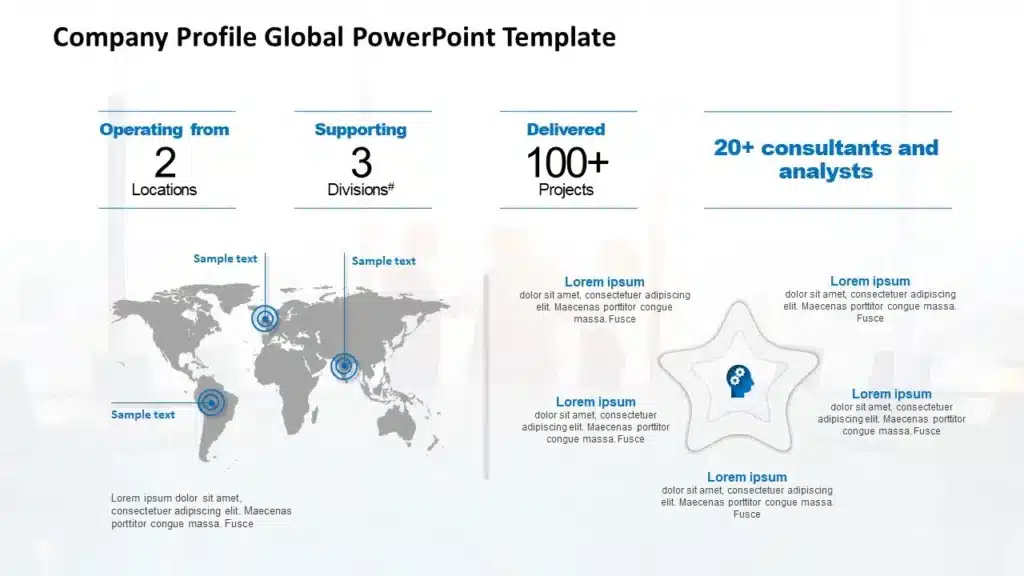
Introduce the company using clean visuals and infographics: your history, an overview of products and services, your customers, and your target market. The right graphics help the audience understand your objectives at a glance.
Market Analysis
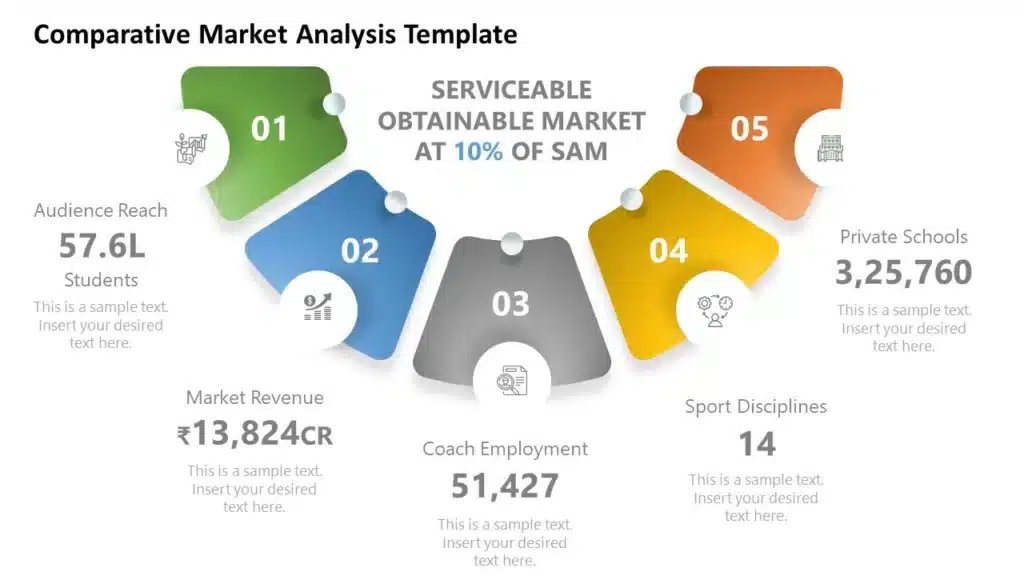
Explain the size of your target audience, the problem you solve, and the needs behind it. Include the strengths and weaknesses of your offering, competitor research, and how your product will handle the competition — this is where you make your unique selling proposition land.
Customer Profiles
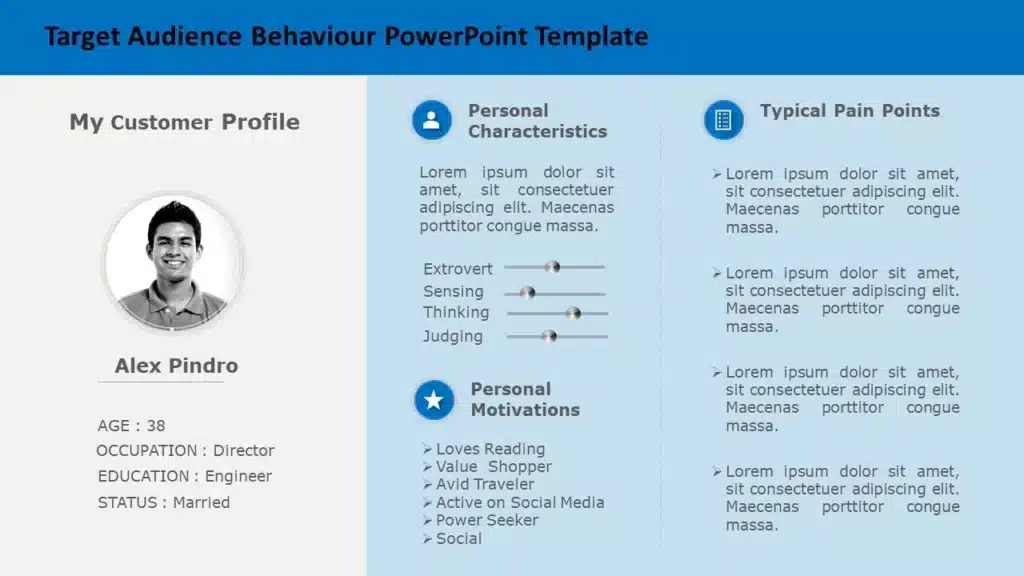
A sub-part of your market analysis focused on the buyer: age, career, location, goals, problems, and behavior patterns. Clear customer profiles help you set the right price point, after-sales service, and channel mix, both online and offline.
Marketing and Sales Strategy
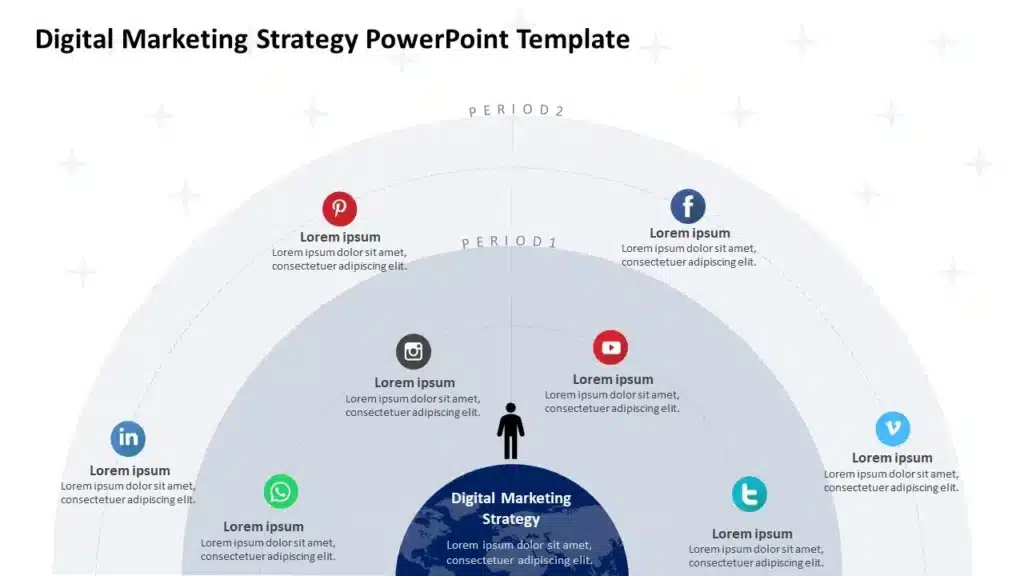
Once you’ve established the need, show how you’ll reach it: budgets, communication channels, marketing goals, and the resources required to sell. Investors are far easier to convince when they can see a credible path to return on investment.
Organizational Structure and Management
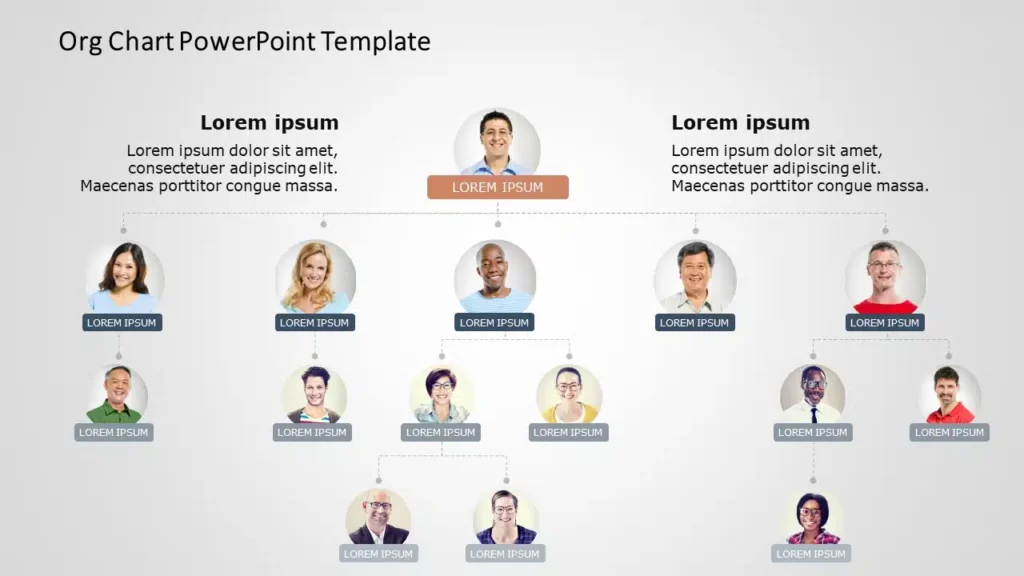
Investors bet on people. Introduce your team and leadership, ideally with an organizational chart that shows roles, hierarchy, and who owns what. A clear structure signals a business that can actually execute.
Products and Services
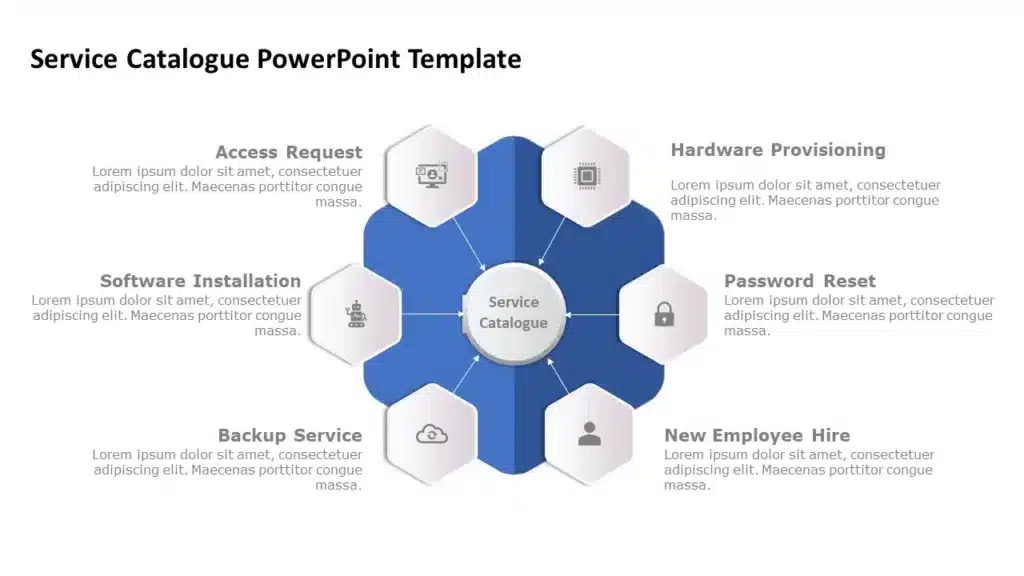
Show the tools and frameworks that prove product-market fit — a product canvas, a value proposition canvas, and similar. These reinforce your customer profiles and demonstrate that the product matches the need.
Financial Plan
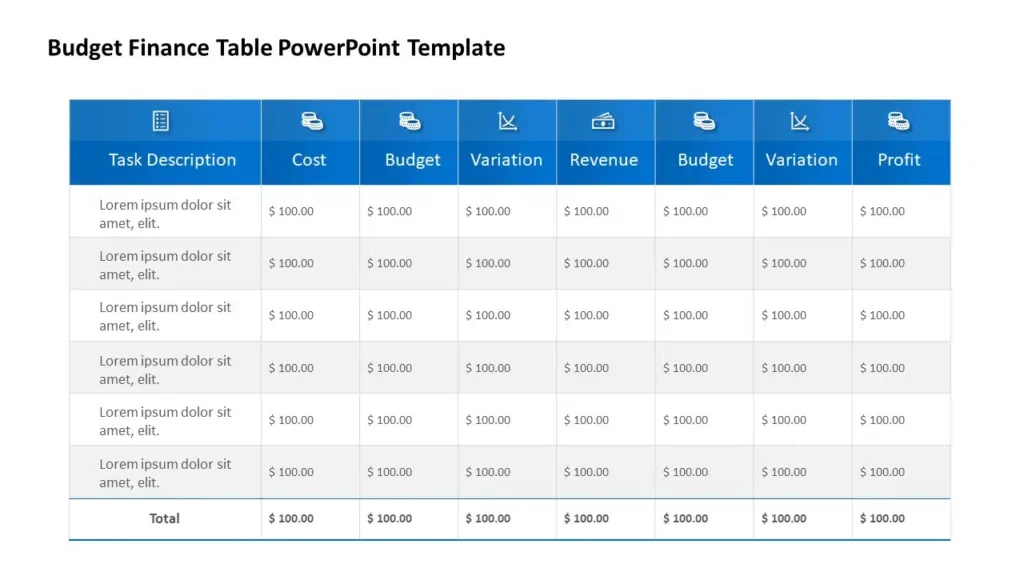
This is the section investors care about most. Combine historical data (if you have it) with a forward plan: how much funding you need, how you’ll deploy it, and your projections. Include a contingency plan, so investors see that you’re prepared for more than the best case. If you’d rather not build the financials from scratch, the Business Plan Deck template includes ready-made forecasting and funding slides.
Executive Summary
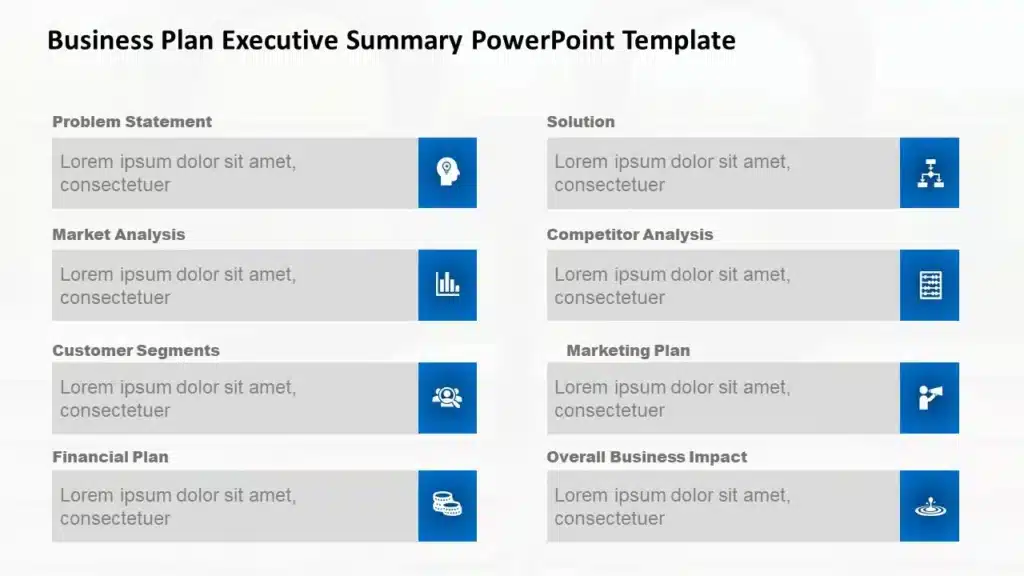
Close by tying the plan together — why this is the right opportunity and what you’re asking for. A precise, confident summary leaves a lasting impression. For a deeper walkthrough, see our full guide on how to write an executive summary.
Top 10 Slides You Need in a Business Plan Presentation
At minimum, a business plan deck needs these ten slides, one idea per slide: title, problem, solution, pricing, operations, marketing, industry overview, financial projections, team, and conclusion.
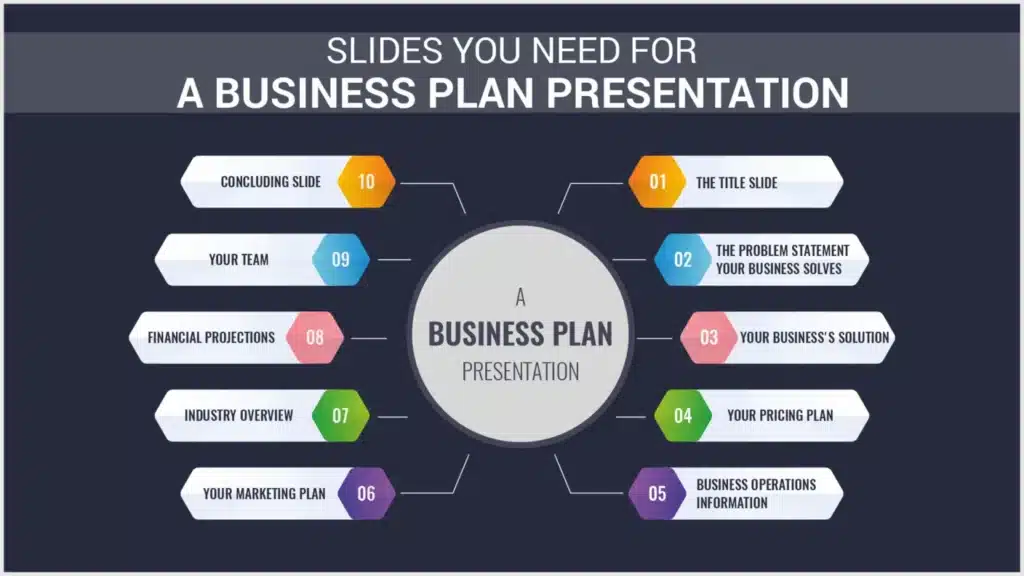
Covering one topic per slide keeps the audience oriented and makes it easy to field questions as you go.
- Slide 1: Title. Business name, logo, and a one-line motto. Open the story on the next slide.
- Slide 2: Problem Statement. Come straight to the problem your product solves. Use a short, clear story, plus an infographic or a striking stat, to earn attention. This slide shapes the whole deck.
- Slide 3: Your Solution. Show how your product solves that problem, and connect it back to the story. A step-by-step visual or simple diagram helps here.
- Slide 4: Pricing. Lay out your pricing strategy and revenue model. Adding a competitor price comparison helps justify why your pricing is reasonable.
- Slide 5: Business Operations. Briefly explain how the business runs and how you’ve streamlined operations to save time and resources.
- Slide 6: Marketing Plan. Your go-to-market strategy: how your target audience will hear about you, and through which channels.
- Slide 7: Industry Overview. Current industry conditions and how competitors operate. Keep it fact-based to stay credible.
- Slide 8: Financial Projections. Growth trajectory and expected returns, with 3-5 years of revenue and profit projections and how spend maps to each stage.
- Slide 9: Your Team. The key people executing the plan, their roles, and the hierarchy. A capable, motivated team builds investor confidence.
- Slide 10: Conclusion. An executive summary that recaps the essentials in a tight, memorable form.
How to Build a Business Plan Presentation in PowerPoint or Google Slides
The fastest way to build a business plan presentation in PowerPoint or Google Slides is to start from a structured template and replace the placeholder slides, charts, and text with your own content.
Building your business plan slides from a blank canvas is where most of the time disappears. A pre-built deck already sequences the slides — title, problem, solution, market, financials, team — so you focus on your story instead of layout, spacing, and chart formatting. Because the same template works in both PowerPoint and Google Slides, you can collaborate with your team and still present natively wherever the meeting happens.
A few practical tips for the build itself:
- Keep one idea per slide; move dense data to an appendix.
- Use charts, graphs, and infographics instead of paragraphs — a good business plan slide is read in seconds, not minutes.
- Keep fonts and colors consistent across every slide for a professional, on-brand feel.
- For financial and executive-summary slides, borrow the “one clear takeaway headline per slide” discipline used in consulting decks — our McKinsey-style presentation guide breaks this down.
You can browse ready-to-edit options in the business plan template collection, all compatible with PowerPoint and Google Slides.

Free Business Plan Presentation Example (PPT & PDF Download)
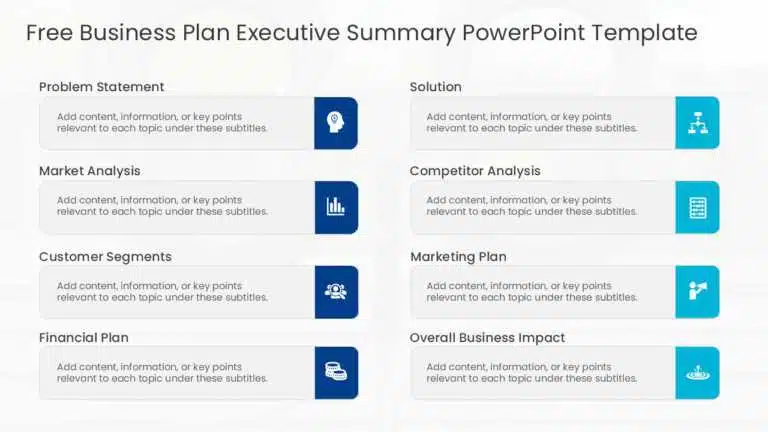
You can download a free business plan presentation example in both PowerPoint (PPT) and PDF format and customize it with your own numbers.
Studying a finished example is one of the fastest ways to gauge how much detail investors actually expect and how a real deck flows from problem to ask. Use the PPT version as an editable starting point, or the PDF version as a reference you can review before you start designing.
Business Plan Presentation Examples From Real Companies
The best way to learn what works is to study real decks — companies like N26, WeWork, Redfin, and Google each solved a different presentation problem.
Browsing real examples shows you how strong teams turn a technical model into a simple visual story. Here are eight worth studying before you build your own.
- N26 Digital Bank Pitch Deck. A minimalist, app-inspired design that mirrors the digital-banking product itself. It leans on product screenshots and simple growth metrics instead of dense text, so the deck feels like an extension of the brand.
- WeWork Pitch Deck. Widely studied for framing a real-estate business as a technology and community platform, using bold single-statistic slides. Its later financial scrutiny is also a cautionary lesson in growth-at-all-costs storytelling.
- Redfin Investor Presentation. Pairs straightforward market-share charts with plain-language explanations of a complex real-estate model — a good reference for presenting technical models to non-technical investors.
- Google “Ready Together” Presentation. Shows how cohesive branding and consistent iconography keep a long, information-dense presentation easy to follow.
- McKinsey Diversity & Inclusion Presentation. The firm’s signature style: dense data visualizations paired with a single clear takeaway headline per slide.
- Snapchat Company Presentation. Uses its own product’s visual language — bold color blocking and camera-first imagery — to reinforce brand identity even in a formal document.
- Visa Business Acquisition Presentation. A clean example of financial due diligence, using side-by-side comparison tables and conservative, well-sourced projections.
- Pinterest Earnings Presentation. Frequently referenced for turning complex advertising-revenue metrics into simple visual trend lines a general audience can follow.
Each of these highlights a different strength worth borrowing for your own deck.
How to Present a Business Plan
To present a business plan well, open with the problem, walk through your solution, pricing, and financials in that order, and close with a clear ask — keeping each slide to one idea.
Know your audience before you speak: investors want to see how the business turns a profit, while partners want confidence in your ability to lead. Use simple, jargon-free language, lean on visuals and charts, and include a short risk assessment so you look prepared for more than the ideal case. Then rehearse — even a strong deck falls flat without practice, and you should be ready for the questions investors are likely to ask.
Business Plan Presentation Ideas to Help Yours Stand Out
The best business presentation ideas share one trait: they replace generic filler with something specific — a sharp problem statement, a single memorable stat, or a visual that carries the point instead of a paragraph.
A few ideas you can apply immediately:
- Open on a specific, relatable problem instead of broad industry background.
- Use one core idea per slide so nothing competes for attention.
- Replace text blocks with a chart, diagram, or single bold statistic.
- Add a short “wow” moment near the end — a milestone, a testimonial, or a striking projection — to seal the pitch.
- Rehearse until you no longer need the slides as a script.
Tips to Make Your Business Plan PowerPoint More Memorable
Focus on your strongest points, use plain language, deliver with genuine confidence, prepare for questions, rehearse repeatedly, and manage your time.
- Focus on the main points. Prioritize the data that matters — usually the financials — and resist explaining every detail. A precise deck beats an exhaustive one.
- Use common language. Favor simple, professional wording over jargon. Financial data is already complex; confusing language only makes it worse. A good business plan PowerPoint should feel like a story, not a spreadsheet.
- Deliver genuinely. Stay engaged, make eye contact, cut filler, and keep slides skimmable.
- Prepare for questions. Build an expected-questions list with your team and answer from the investor’s point of view.
- Practice repeatedly. The more you present, the sharper you get. Run it twice in front of your team first.
- Manage time. Keep it tight and on point so the audience stays engaged through to your ask.
Mistakes to Avoid When Making a Business Plan Presentation
The most common mistakes are running long, over-explaining non-essential points, overloading slides with data, skipping visuals, and ignoring what the audience actually needs.
- Not timing it. Cap the deck at 10-12 slides so it stays focused instead of drifting.
- Focusing on non-essential information. Prioritize the few points that drive the decision.
- Overloading data. Keep slide content short and visual; move detail to an appendix.
- Lack of graphs and tables. A deck without visuals is just a data dump — use charts, color, and readable fonts.
- Ignoring the audience. Keep tying every point back to how your product solves their need.
Why Choose SlideUpLift’s Business Plan Templates
SlideUpLift’s pre-made, fully editable business plan templates let you skip the design work and adapt a professional deck in a few clicks.
Every template is editable in both PowerPoint and Google Slides, with free and premium options covering pitch decks, roadmaps, and executive summaries. You can add or remove slides, swap placeholder charts for your real numbers, and keep everything on-brand. Start with the business plan template collection, or if you’re refining a specific section, the executive summary templates and the business pitch template are good next stops.
Final Thoughts
A business plan presentation works when it turns research into a story your audience can follow and act on. With clear structure, strong visuals, and a confident delivery, your deck can make the case for your business as convincingly as the plan behind it. Start from a template, tailor it to your audience, and rehearse until the ask feels natural.
FAQs
-
What is a business plan presentation?
A business plan presentation is a 10-to-12-slide visual summary of your written business plan, built to persuade investors, partners, or stakeholders. It covers the problem, your solution, market, business model, team, and financials, and ends with a clear ask.
-
How do you present a business plan?
Open with the problem, walk through your solution, pricing, and financials in that order, and close with your ask. Keep each slide to one idea, use plain language, and let the presenter — not the slide — carry the explanation.
-
What should a business plan presentation include?
It should include a title slide, problem, solution, pricing, business operations, marketing plan, industry overview, financial projections, your team, and a closing summary — typically 10 to 12 slides.
-
Can I download a business plan presentation example in PPT or PDF?
Yes. You can download a free business plan presentation example in both PowerPoint (PPT) and PDF format and edit it with your own content.
-
How many slides should a business plan presentation have?
Ten to twelve slides is the standard range — enough to be thorough without losing your audience’s attention.
-
What's the difference between a business plan and a business plan presentation?
A business plan is the detailed written document; a business plan presentation is the visual, spoken version you deliver to an audience, distilling the plan into a slide-by-slide narrative.
-
Where can I find free business plan presentation templates?
SlideUpLift offers free and premium business plan templates for PowerPoint and Google Slides, including pitch deck, executive summary, and roadmap layouts you can download and edit.
Table Of Content


Related posts from the same category

5 Jan, 2024 | SlideUpLift
How to Make a Marketing Plan Presentation? Guide & Marketing Presentation Examples
The days of reading your target audience word-for-word from slides are long gone. These days, it all comes down to turning your data into an enduring visual narrative. It was

9 Feb, 2024 | SlideUpLift
Best Business Presentation Examples To Ace Your Next Meeting
Imagine yourself sitting in a boardroom, surrounded by high-level executives, investors, and clients, eagerly waiting to hear what you say. You feel the weight of their expectations bearing down on

9 Feb, 2024 | SlideUpLift
60+ Best Business Presentation Topics to Captivate Your Audience (2026)
Imagine standing in front of a room full of people waiting to hear what you have to say. Instead of feeling nervous, you feel confident and prepared — because you

10 Aug, 2022 | SlideUpLift
How To Create Storylines For Business Presentations
A time-honored strategy- storytelling, has been used for centuries to help people comprehend various events and concepts. The art of stories has been handed down from generation to generation. According

5 Mar, 2025 | SlideUpLift
Must-Have Templates For Creating Winning Business Proposal Presentation
In today’s competitive business world, securing an investment, a partnership, a client, or a deal depends greatly on how well you present your business proposals. Keeping your business proposals to

2 Sep, 2022 | SlideUpLift
Ideas To Create And Deliver Outstanding Business Presentations
You must have made a presentation or done some type of public speaking at some time in your life. If you haven't already, it could be anytime now Great presenters

13 Oct, 2025 | SlideUpLift
How to Write a Business Case: A Beginner’s Guide + Examples
Every project needs a passport to get through executive approval. Without it, even the best plans can get grounded before taking off. This very piece of evidence holds the power

7 Nov, 2022 | SlideUpLift
Ace Your Remote Presentations With The Best Business PowerPoint Templates 2022
Standing apart from the crowd is important, more so in the case of a business presentation. As an audience, you would always appreciate original and unique content as well as

16 Apr, 2018 | SlideUpLift
Microsoft PowerPoint vs. Google Slides: What’s Best for a Business Presentation?
Picking a right business presentation tool can be tad challenging, especially when options that you are weighing seem to be close. For business presentations, the most popular options that anyone

20 May, 2022 | SlideUpLift
Must Have Tools For Problem Solving In Business
According to certain research, the typical business professional spends 3 hours every week handling work-related problems! Isn’t it quite a lot? Problem solving is crucial to operating a company, and